Version history
Use  Version history beside the model name to open saved input versions. You can also open it from the project’s model list.
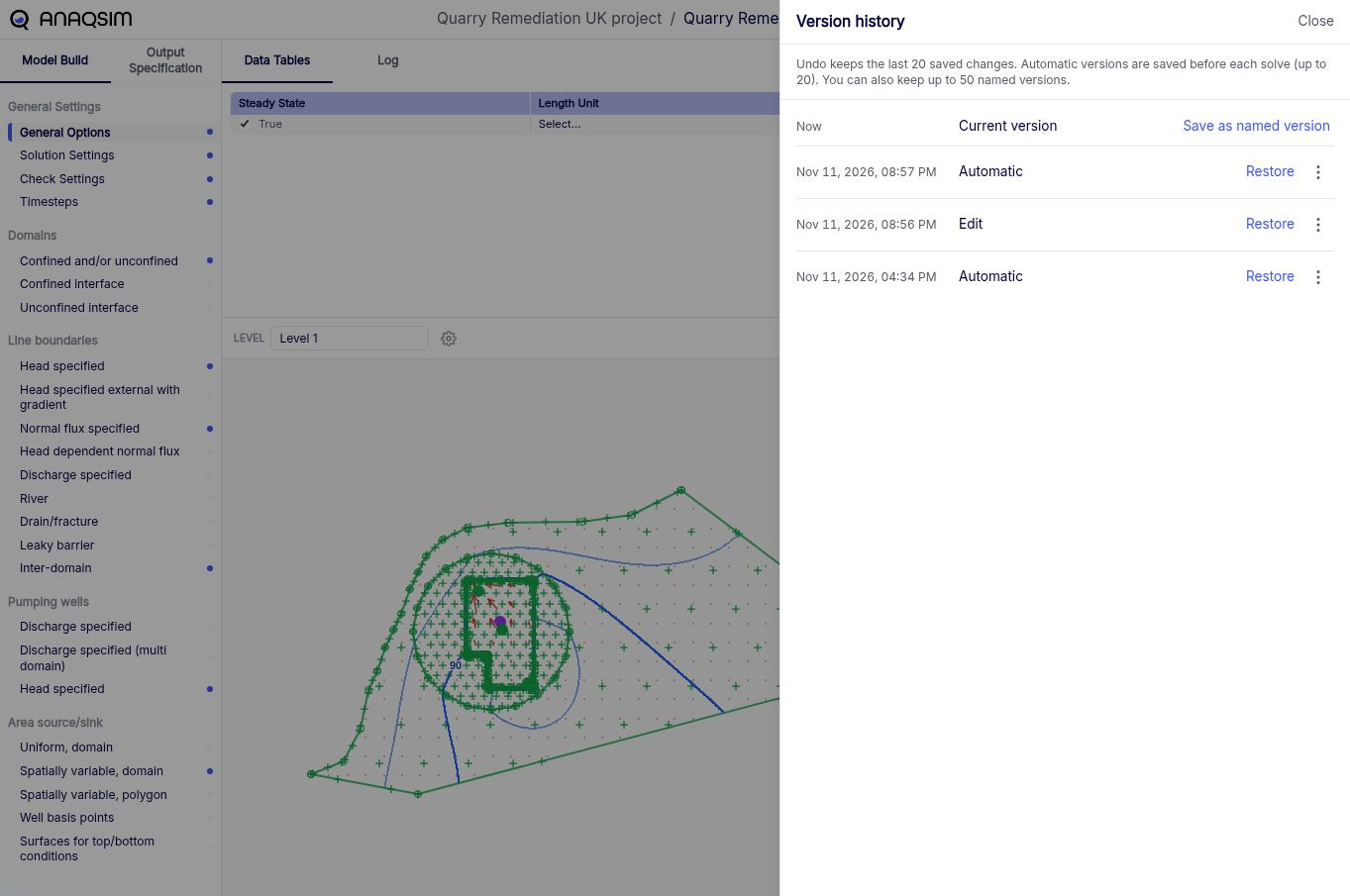
Anaqsim saves a version of the model before each solve and keeps up to 20 of these Automatic versions. Give an automatic version a name to make it easier to identify later. Anaqsim can keep up to 50 named versions.
Use Save as named version to give the current version a name.
- Restore returns the current model to an earlier version. If the current inputs differ, Anaqsim saves a snapshot of them first. Existing solve results are marked as stale.
- Save as new model copies an earlier version into a separate model.
Undo last change
Use  Undo last change beside the model name to step back through up to 20 saved changes.